Messaging in Subflow
Last updated 3 months ago
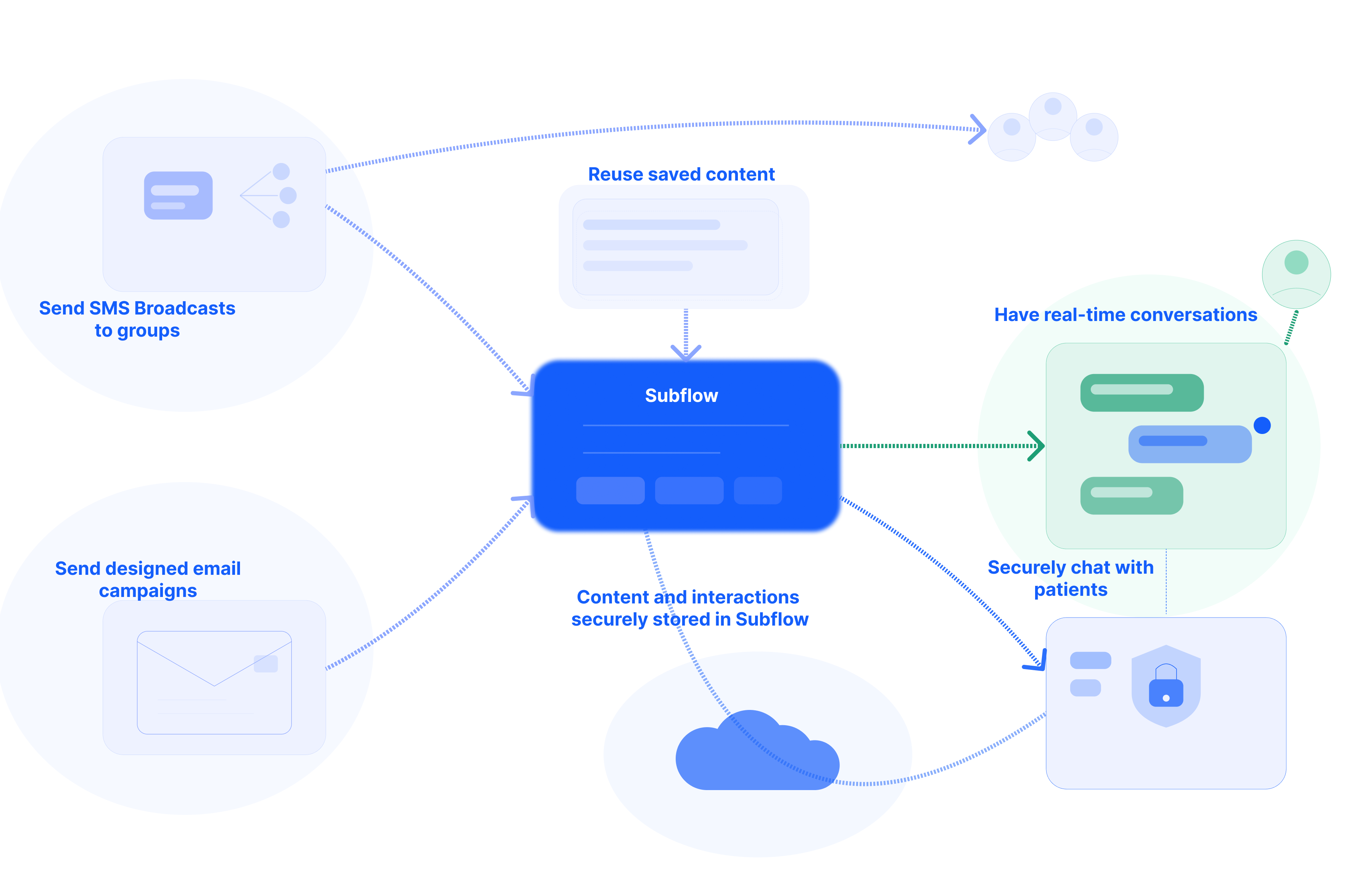
Subflow brings patient communication into a single place, so you can send updates to many patients at once, run email outreach, hold real-time text conversations, and reuse pre-written content across all of them.
This page introduces the four messaging channels and Secure Chat and explains when each one is the right choice.
What messaging covers
Messaging in Subflow is organized around five features:
• SMS broadcasts: one-to-many text messages sent to one or more patient segments.
• Email campaigns: designed emails sent to segments or individual contacts.
• Two-way conversations: real-time SMS exchanges between you and your patients.
• Message templates: reusable SMS or email content that can be used across the other channels.
• Secure Chat: a higher-security mode of two-way conversations for sensitive health information.
✏️ Each channel is accessed from the Messaging section of the platform. Patients receive every message on their personal phone or email, and no patient portal or app is required.
Expand each section below to learn more about a specific Messaging feature.
Choosing a channel
Refer to the table below for guidance on which channel best fits common communication needs:
Related articles
Now that you understand how messaging works in Subflow, check these related articles to start using each channel.
• Create an SMS Broadcast: Send a text message to up to three segments at once, with personalization and the option to schedule for later.
• Manage a Broadcast: Cancel a scheduled broadcast, archive completed ones to keep the list clean, or restore an archived broadcast when needed.
• Create an Email Campaign: Design a visual email with the drag-and-drop editor, add recipients, preview the result, and send or schedule it.
• Create a Message Template: Save reusable SMS and email content so it can be selected in broadcasts, two-way conversations, and workflow messaging nodes.
• Manage Two-Way Conversations: Read incoming patient replies, distinguish automated from staff-sent messages, and respond using a template or free-form text.
• Use Secure Chat: Switch a conversation to encrypted web chat when discussing sensitive health information, and toggle back to standard SMS when the exchange is complete.